Baryah
Home
Your money in one place.
Cash, bank, e-wallet and credit cards, with one total. Pick the tiles you want to see.
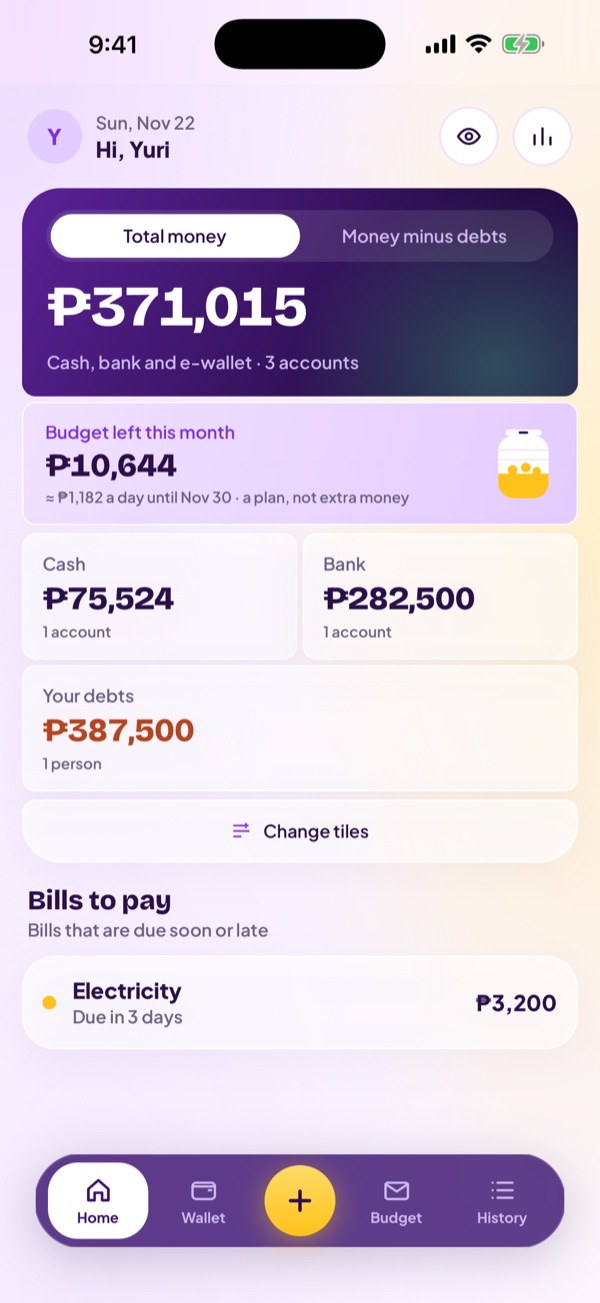
A simple money app for Filipino families. See where your money goes, plan the month, and keep bills and debts in check, in English or Tagalog.
Nothing it doesn't.
Cash, bank, e-wallet and credit cards, with one total. Pick the tiles you want to see.
See what is left this month, and per day.
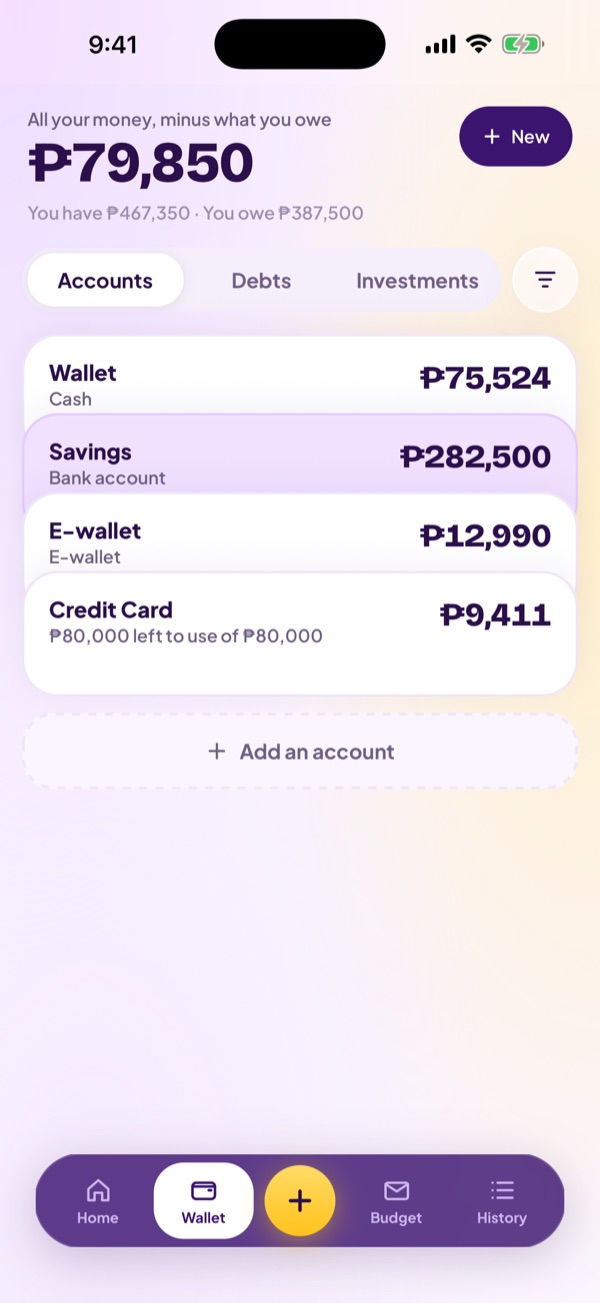
Loans and investments too, and your net worth with one tap.
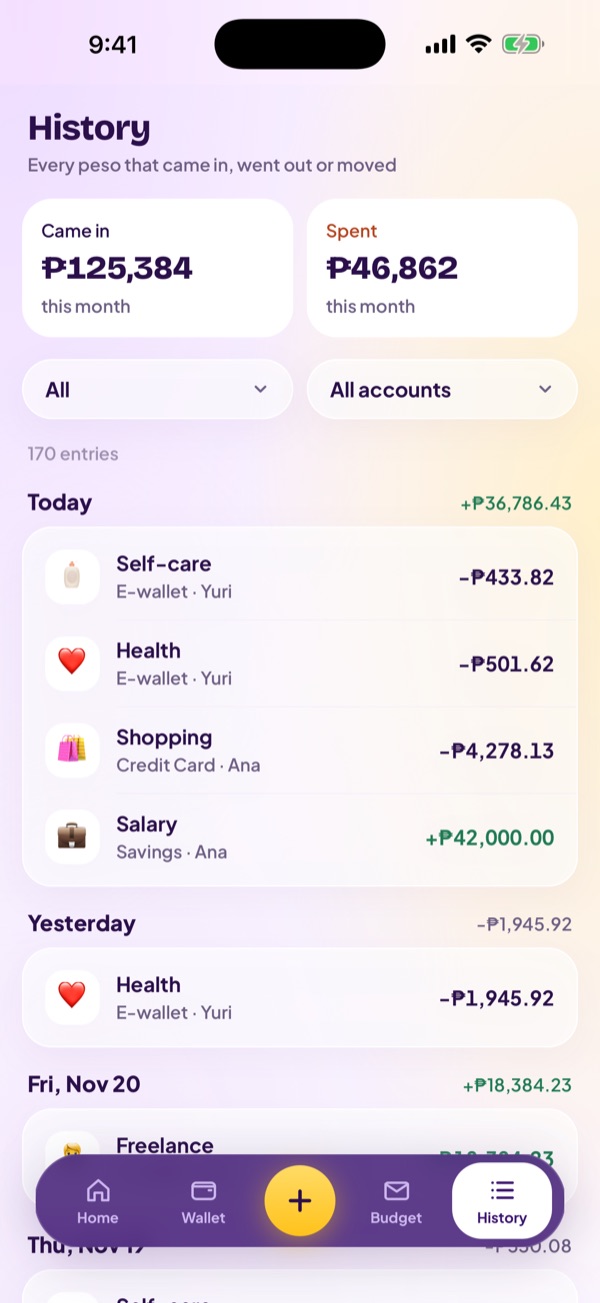
Every peso in and out, day by day, and who spent it.
The whole app follows your choice. Change it any time.
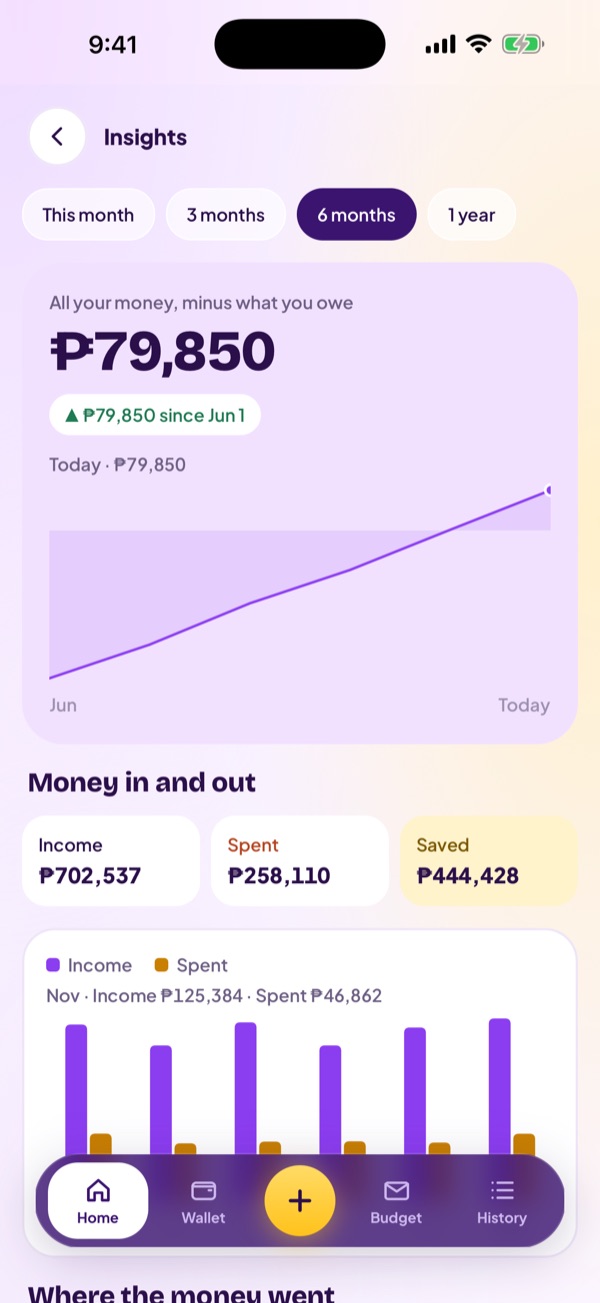
Money in versus out, spending by category and by person, and net worth over time.
Add family members and see who spent what.
No account, no server, no ads. Baryah works offline.
No sign-up. No bank login.
English or Tagalog, and type your name.
Cash, bank, e-wallet or card, with what is in them today.
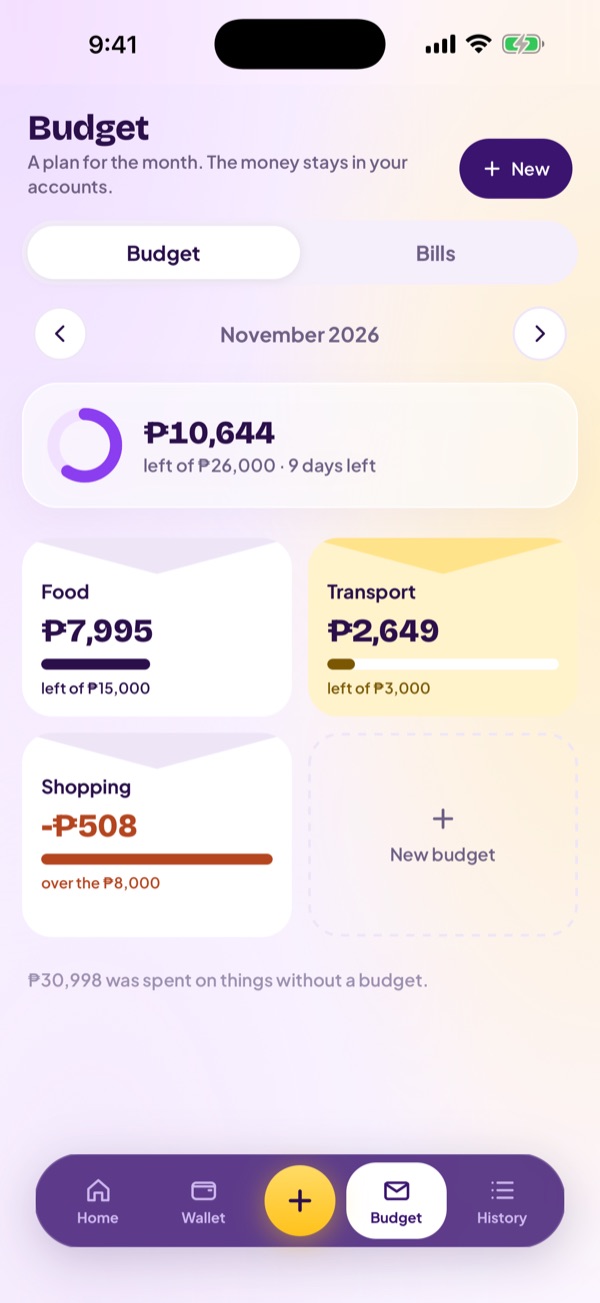
Give each category a budget, and log what you spend.
More on the Support page.
No. Open the app, type your name and start. There is nothing to sign up for.
Yes. Everything is saved on your phone, so Baryah works without internet.
Baryah is free.
Yes. Add family members and choose who spent each entry. Sharing across several phones is planned.
Make a backup in Settings, send the file to the new phone, and restore it there.
Yes. Choose English or Tagalog when you start, or later in Settings → Language.
Baryah is coming to the App Store for iPhone. Every barya counts, so start keeping them.
Coming soon to the App Store